
How to Improve Inkjet Print Clarity on Packaging
2026-05-09(103)Views
Print clarity on packaging directly affects barcode readability, traceability, and product compliance. In industrial environments, unclear printing is one of the most expensive hidden production problems.
This guide explains how to significantly improve inkjet print clarity on different packaging materials.
Key Factors Affecting Print Clarity
1. Surface Material Type
Different packaging materials behave differently:
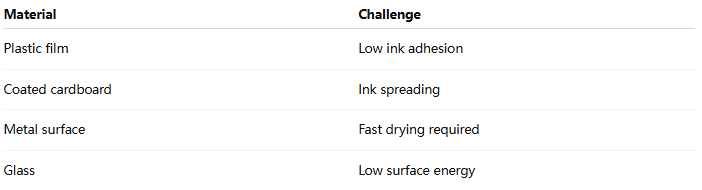
2. Ink Absorption Behavior
Poor clarity often occurs when:
1)Ink spreads too much
2)Ink dries too slowly
3)Ink does not bond properly
3. Print Resolution Settings
Low DPI causes:
1)Blurry edges
2)Pixelation
3)Barcode scanning errors
Recommended:
1)300–600 DPI for packaging
2)High-speed optimized mode for production lines
4. Print Distance Accuracy
Incorrect distance leads to:
1)Ink dispersion
2)Weak edge definition
3)Character distortion
5. Ink Drying Speed
If drying is too slow:
1)Smudging occurs
2)Barcode becomes unreadable
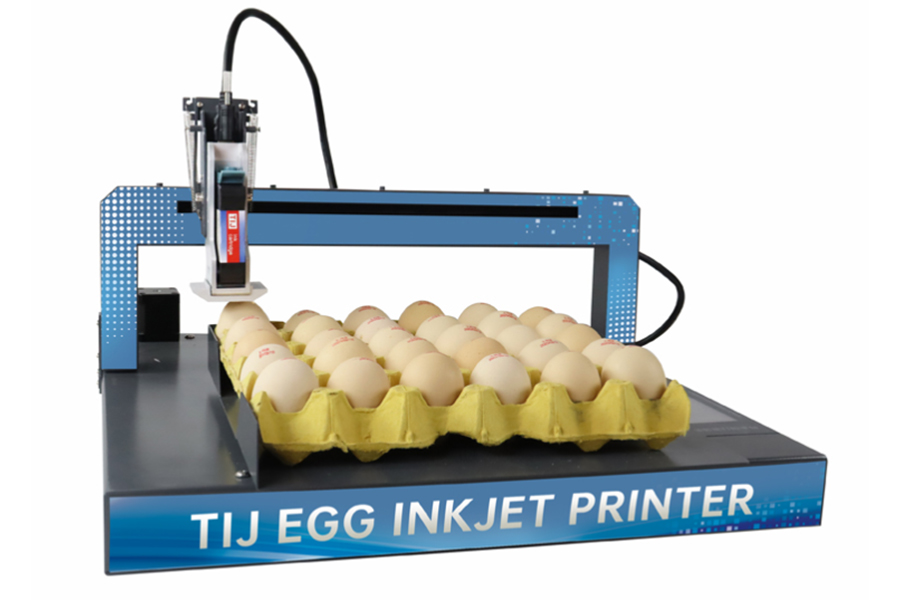
How to Improve Inkjet Print Clarity
Step 1 — Choose Correct Ink Type
1)Plastic → solvent-based fast dry ink
2)Paper → water-based ink
3)Metal → industrial adhesion ink
Step 2 — Optimize Printhead Settings
1)Increase DPI
2)Adjust voltage output
3)Calibrate droplet size
Step 3 — Improve Surface Preparation
1)Remove dust and oil
2)Apply corona/plasma treatment (for plastic)
Step 4 — Control Production Speed
Excess speed reduces drying time and clarity.
Step 5 — Add Drying Support System
1)Air blowers
2)UV curing (if applicable)
3)Extended conveyor spacing
Industrial Benchmark Insight
High-performance packaging lines typically achieve:
1)99.5% barcode readability
2)<0.5% print rejection rate
3)Stable clarity at high-speed output
FAQ
Why is my packaging print blurry?
Usually due to incorrect ink, low resolution, or unstable print distance.
Can print clarity be improved without replacing equipment?
Yes, most improvements come from settings and ink optimization.
Need sharper, more reliable packaging print results?
Request a Free Print Clarity Optimization Consultation
We help manufacturers improve:
1)Barcode readability
2)Print sharpness
3)Production stability
Ready to Improve Your Printing Efficiency?
Get expert advice and the best solution tailored to your business.
Start your project✔ Fast response ✔ Custom solution ✔ No obligation
+MoreRelated recommendations
-
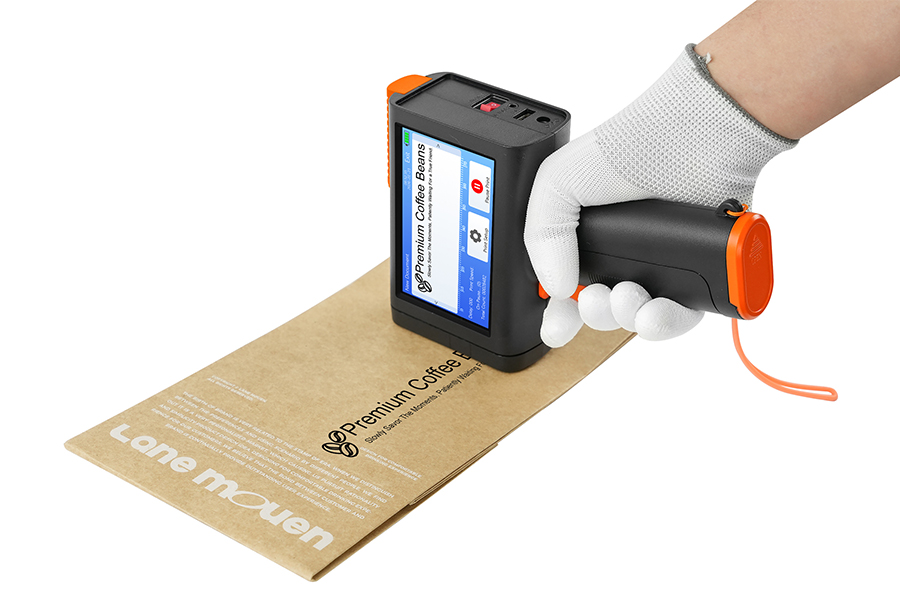
Why More Manufacturers Are Switching to Handheld Inkjet Printers
In the past, industrial coding was dominated by fixed-positi...
-
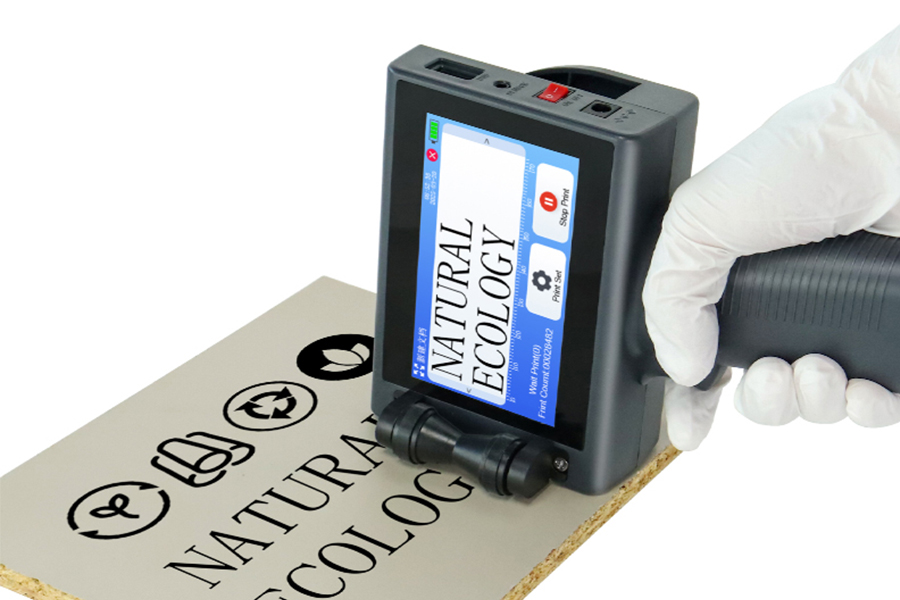
Handheld Inkjet Printer Cost: Initial Investment and Operating Expenses
When businesses evaluate handheld inkjet printers, the first...
-
Handheld Inkjet Printer Maintenance Guide for Long-Term Reliability
In industrial environments, equipment reliability is not det...
-
How to Choose the Right Handheld Inkjet Printer for Your Business
Learn how to choose the right handheld inkjet printer for yo...
Contact Us

Service phone number+8618759952301
—— Add WeChat communication


