
How to Solve Plastic Printing Challenges Without Increasing Costs
2026-04-17(172)Views
Plastic printing is essential across industries—from packaging and logistics to cosmetics and industrial manufacturing. Yet many businesses face persistent issues like poor ink adhesion, smudging, inconsistent quality, and rising operational costs.
The good news? You don’t need to increase your budget to fix these problems. With the right approach, you can implement a cost-efficient plastic printing solution that improves performance while keeping expenses under control.
Why Plastic Printing Problems Often Lead to Higher Costs
Most companies try to fix printing issues by:
1.Buying more expensive machines
2.Increasing consumable usage
3.Adding manual inspection steps
These approaches often increase costs without solving the root problem.
Hidden Cost Drivers in Plastic Printing:

The Real Goal: Cost-Neutral Optimization
Instead of spending more, the focus should be:
Optimize your existing plastic printing process to reduce waste, improve consistency, and increase output.
Step 1: Match Ink to Plastic Material (Not the Other Way Around)
Different plastics require different ink properties.
Common Materials:
1)PE (Polyethylene)
2)PP (Polypropylene)
3)PET (Polyester)
Using the wrong ink leads to:
1)Smudging
2)Peeling
3)Fading
Switching to material-compatible ink is one of the most cost-effective improvements.
Step 2: Improve Surface Readiness Without Expensive Equipment
You don’t always need advanced treatment systems.
Low-Cost Improvements:
1)Clean surfaces before printing
2)Control dust and oil contamination
3)Maintain consistent material handling
These simple adjustments can significantly improve ink adhesion on plastic.
Step 3: Optimize Printing Parameters
Incorrect settings often cause more problems than the machine itself.
Key Parameters:
1)Print speed
2)Ink density
3)Nozzle distance

Fine-tuning parameters reduces waste without increasing cost.
Step 4: Choose the Right Technology for Efficiency
If your current system struggles, upgrading doesn’t always mean higher cost—it means better efficiency.
Cost-Efficient Options:

Many businesses reduce costs by switching to low-maintenance plastic printing systems like TIJ.

Step 5: Reduce Consumable Waste
Consumables are often the largest expense in plastic printing.
Optimization Tips:
1)Use high-yield cartridges
2)Avoid overprinting
3)Monitor usage regularly

Even small improvements can reduce consumable costs by 20%–40%.
Step 6: Minimize Downtime Through Preventive Maintenance
Unexpected downtime is costly.
Simple Preventive Actions:
1)Regular cleaning
2)Scheduled inspections
3)Using reliable components
Preventive maintenance is far cheaper than emergency repairs.
Aggregated Results: What Optimization Can Achieve
Businesses that optimize their plastic printing solution typically see:
1.30%–50% reduction in rework
2.20%–40% lower consumable costs
3.40%+ improvement in production efficiency
Real-World Example
A packaging manufacturer faced frequent printing failures on plastic film.
Before Optimization:
1.High ink consumption
2.Frequent smudging
3.Production delays
After applying cost-neutral improvements:
1.Ink usage reduced by 35%
2.Print quality stabilized
3.Output increased by 45%
No major investment—just smarter optimization.
Expert Insights: What Actually Saves Cost
Industry experts agree that solving plastic printing challenges requires:
1.Process optimization over equipment replacement
2.Material and ink compatibility
3.Reliable, low-maintenance systems
4.Continuous monitoring and adjustment
The biggest savings come from efficiency, not spending more.
Frequently Asked Questions (FAQ)
Q1: Can I improve plastic printing without buying new equipment?
A: Yes. Many issues can be solved through ink selection, parameter adjustment, and process optimization.
Q2: What causes poor ink adhesion on plastic?
A: Non-porous surfaces and incompatible ink are the main causes.
Q3: How do I reduce printing costs?
A: Optimize consumables, reduce waste, and improve process efficiency.
Q4: Is upgrading equipment always necessary?
A: No. Only when your current system cannot meet production requirements.
Smarter Processes, Better Results
Solving plastic printing challenges doesn’t require a bigger budget—it requires a smarter strategy.
By focusing on:
1.Process optimization
2.Material compatibility
3.Efficient technology
You can achieve better print quality, lower costs, and higher productivity—all at the same time.
Ready to Improve Your Printing Efficiency?
Get expert advice and the best solution tailored to your business.
Contact us for a quotation✔ Fast response ✔ Custom solution ✔ No obligation
+MoreRelated recommendations
-
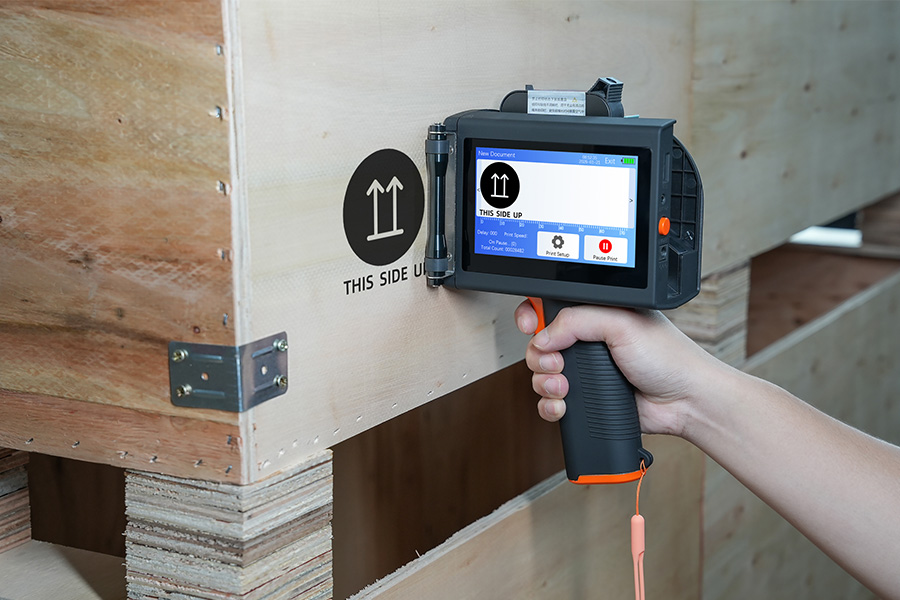
Handheld Inkjet Printer Warranty Questions Buyers Should Ask Before Ordering
Ask these handheld inkjet printer warranty questions to clar...
-
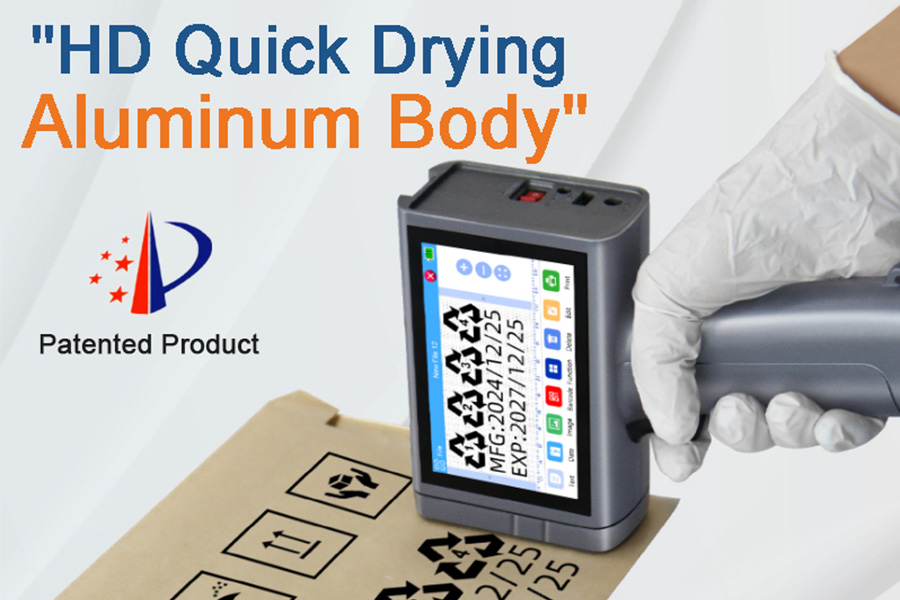
Handheld Inkjet Printer Order Checklist: Printer, Ink, Accessories, and Spare Parts
Use this purchase checklist to confirm the printer, ink, acc...
-
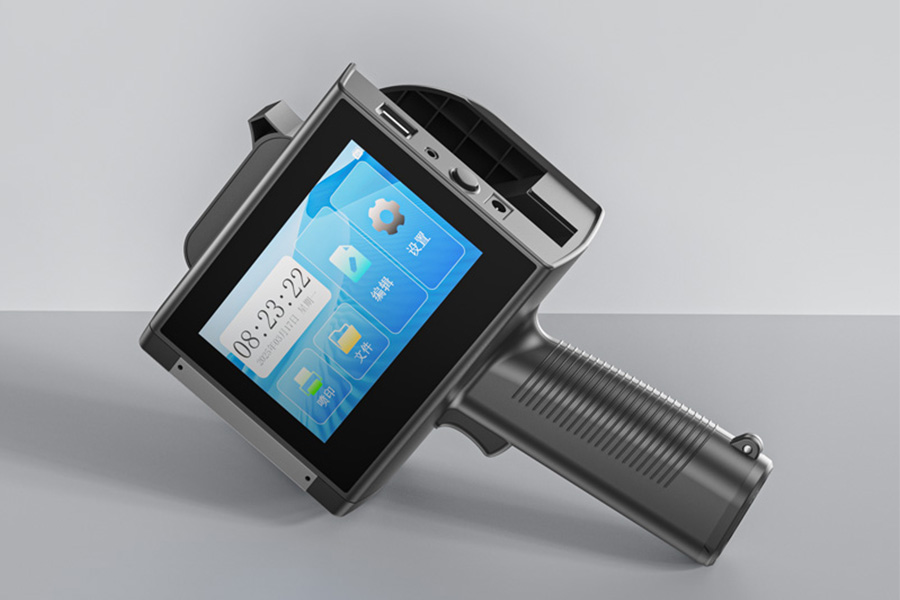
What Information Should You Send for an Accurate Handheld Inkjet Printer Quote?
Use this RFQ worksheet to send the material, message, print ...
-
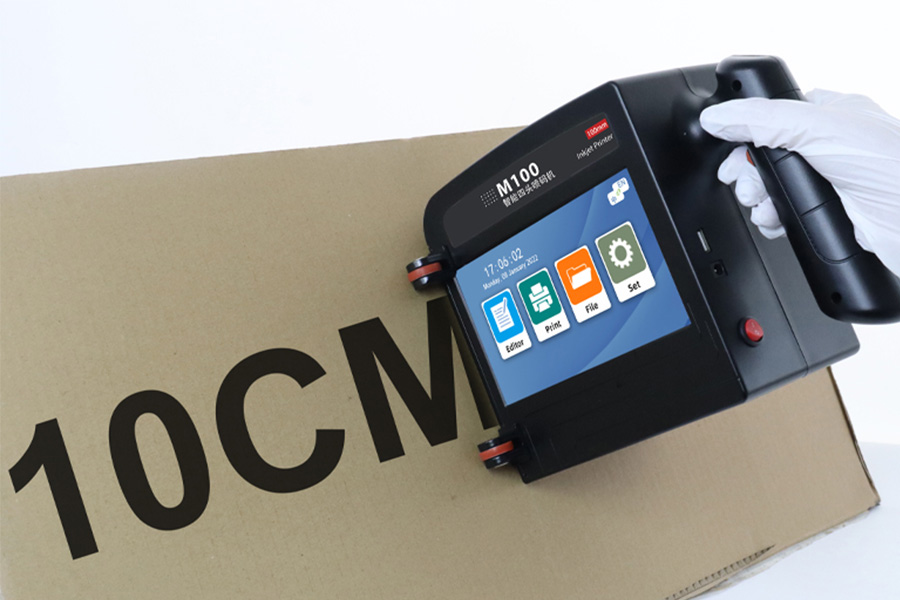
How to Print Scannable Barcodes and QR Codes on Plastic Packaging
Learn how to print scannable barcodes and QR codes on plasti...
Contact Us

Service phone number+8618759952301
—— Add WeChat communication


