
Handheld Inkjet Printer Order Checklist: Printer, Ink, Accessories, and Spare Parts
2026-08-28(130)Views
Choosing a suitable handheld inkjet printer is only half of a successful purchase. The other half is making sure the order contains everything required to operate the printer on day one—and that every item is compatible with the selected model, ink, application, power standard, and destination.
A quotation can name the correct printer and still leave costly gaps. The cartridge may be described only as “black ink.” A guide or fixture needed for consistent positioning may appear as an optional extra. The charger plug may not match the destination. Spare parts, manuals, freight scope, and support may be discussed in messages but never appear on the final order confirmation.
The solution is an itemized bill of materials, or BOM. Before payment, every required item should have a name, quantity, compatibility reference, inclusion status, and price or a clear statement that it will be supplied by the buyer.
Important scope boundary:DEMIN’s public website lists multiple printer models as well as several ink cartridges, consumables, brackets, guides, and handling equipment. A category listing does not prove that every item fits every printer or that it is included in a standard package. Confirm the exact bundle in a dated quotation or order confirmation for your selected model and destination.
The Four-Layer Order
A complete order can be reviewed as four layers. If one layer is missing, the printer may arrive but the operating system around it may be incomplete.

Master Purchase-Order Checklist
Use this table as a release gate. “Confirmed” means the information appears in the final supplier document—not only in a chat thread, brochure, or verbal discussion.

Layer 1 — Lock the Printer Identity
The printer line is the anchor for the entire order. If it is vague, compatibility checks for ink, accessories, power items, and spares are also vague. The final document should use the exact model name shown by the supplier, the agreed print-height configuration, the quantity of complete sets, and any version or part reference needed to distinguish configurations.
Print height should already be resolved before the purchase order is issued. If it is still open, review the 12.7 mm vs. 25.4 mm vs. 50 mm handheld inkjet printer print-height comparison and compare the complete message height with the usable product area. Do not order a larger print-height class simply because it sounds more capable; the application, product access, operating method, and budget still determine the right configuration.
Write the Printer Line So Another Person Can Receive It
A purchasing line should be understandable to a warehouse employee who was not part of the sales conversation. Instead of “DEMIN printer, one set,” use a structured line such as:
PO line format:Handheld inkjet printer — model/configuration: [exact supplier reference]; print-height class: [confirmed height]; quantity: [number] complete sets; included components: [supplier list]; destination power/plug: [standard]; related quotation: [number and date].
Check that the model and configuration on the final invoice or pro forma invoice match the approved quotation. If the supplier substitutes a newer version or alternative configuration, ask for the change, reason, compatibility effects, and revised included-item list in writing before approval.
Once the application and height class are fixed, use the DEMIN handheld inkjet printer model comparison to check whether the named model family aligns with the intended job. The core comparison supports the decision; the dated order document remains the authority for what will actually be supplied.
Layer 2 — Treat Ink as an Application-Specific Line Item
Ink is not a generic accessory that can be added after the printer is selected. The order should identify the exact cartridge or ink reference proposed for the chosen printer and the stated surface. Similar-looking cartridges can differ in formulation, intended use, handling, or compatibility. A broad phrase such as “black quick-dry ink” is not precise enough for receiving or reordering.
For each consumable, require the exact product name or part reference, color, quantity, compatible printer/configuration, and the material and operating conditions used for the recommendation. Also ask which storage and handling information will be supplied, whether any destination-specific shipping restriction affects the order, and how the buyer should identify the same item when reordering.
Separate Four Ink Questions
1. Compatibility: Is this exact cartridge approved by the supplier for the exact printer configuration?
2. Application basis: What product material, coating, surface condition, and required code color were used for the recommendation?
3. Order quantity: How many cartridges are included, and how many are separately purchased for startup inventory?
4. Reorder identity: What name, part number, photo, or label detail prevents the buyer from ordering the wrong consumable later?
Consumable quantity should be planned from the real message and acceptable output—not from a universal cartridge claim. Use the handheld inkjet printer cartridge yield and cost per accepted print to document message coverage, settings, rejects, cleaning use, and reserve stock before deciding the opening order quantity.
Do not overstate certainty When the exact substrate, coating, or operating condition is unknown, the order should preserve that uncertainty as a confirmation item. Do not convert a general website description into a guaranteed adhesion, drying, durability, or yield promise.
Layer 3 — Define Accessories by Function and Inclusion Status
Accessories cause order gaps because the word can mean almost anything: an item supplied in the box, an optional convenience, a required positioning aid, or equipment the buyer must provide locally. The fix is to classify each item twice—first by function, then by commercial status.

Required, Included, and Optional Are Different Words
A required accessory is necessary for the agreed job. An included accessory is supplied in the quoted package. An optional accessory may improve convenience but is not required for the agreed scope. These categories can overlap, but they are not interchangeable. A required item can still be excluded from the base price; an included item may not be required for every workflow.
Ask the supplier to place every accessory in one category and show the price for every required item that is not included. This prevents the purchase team from approving a low printer price and discovering after delivery that the operating arrangement depends on a missing extra.
Layer 4 — Build Continuity Without Buying an Undefined Spare Kit
A spare-parts plan should reduce avoidable downtime, but a generic “one spare kit” line creates more questions than it answers. The useful list depends on the selected model, number of printers, duty pattern, destination, local technical ability, and replacement lead time. There is no responsible universal kit for every handheld inkjet application.
Ask the supplier to recommend spares by exact name and reference. For each item, record why it is recommended, how many operating units it supports, whether an operator can replace it or supplier guidance is required, the expected replenishment lead time, and whether storage conditions apply. This is a planning request—not a request for an invented lifetime guarantee.
What Not to Add to the Order Yet
A complete order is not the largest order. Avoid adding items that have not been connected to a verified need. Unnecessary stock ties up cash, may be incompatible, and can create confusion during setup and reordering.
1. Do not buy bulk quantities of ink before the exact cartridge, application basis, storage needs, and consumption assumptions are confirmed.
2. Do not add every listed accessory. Add the items required by the agreed workflow or deliberately selected for a documented reason.
3. Do not assume an accessory described as “universal” is compatible with the chosen printer, product geometry, local power, or mounting method.
4. Do not duplicate locally available cables, adapters, stands, or fixtures unless the supplier specifies a compatibility reason.
5. Do not order a spare part without a part reference, quantity basis, replacement responsibility, and reorder method.
6. Do not approve add-ons that require site modification until ownership, dimensions, interfaces, and installation scope are written down.

Three Planning Packages—Not One Universal Bundle
The following are purchasing frameworks, not DEMIN package names and not customer case studies. They show how order scope changes with the operating context. Final contents must still be confirmed for the selected printer and application.
Planning Package A: One Manual Carton-Marking Station
The order may be relatively simple: one confirmed printer configuration, the proposed cartridge, the destination-compatible charging items, any guide required by the carton or mark location, initial consumables, and the operating and warranty documents. The buyer should still ask whether a backup power item or locally stocked spare is justified by the daily dispatch schedule.
Planning Package B: Multiple Bottle or Container SKUs
Here the order review should concentrate on positioning and changeover. Record the exact surface and print zone for each relevant package group, determine whether one guide arrangement covers all shapes, and document how operators select or transfer the correct message. Ink must be linked to the known material and surface condition; unknown variants should remain confirmation items rather than assumed matches.
Planning Package C: Distributor or Multi-Destination Starter Order
A distributor order needs stronger configuration control. Separate the BOM by destination, model, plug/power requirement, cartridge reference, language/document requirement, and accessory quantity. Avoid mixing compatible and unconfirmed items under a single generic SKU. The packing list should allow each destination kit to be checked without relying on the sales conversation.
Copy-Ready Purchase-Order Language
The following wording can be adapted to a purchase order, order confirmation request, or supplier email. Replace every bracketed field; do not leave a required decision hidden in an attachment.
Order scope statement:Supply [quantity] complete handheld inkjet printer set(s), model/configuration [exact reference], for the application described in quotation [number/date]. Each set and every separately purchased item must be itemized by name, quantity, compatibility reference, and inclusion status. Supply only the ink/cartridge reference confirmed for [material/surface description] and identify its color, quantity, reorder reference, and storage/handling information. List all required positioning, power, charging, data, mounting, and handling accessories as included, separately priced, or buyer-supplied. List recommended spare parts individually with part references and quantities. Confirm destination [country], plug/power requirement [standard], delivery term [term], lead time [time], warranty scope [reference], document language [language], and support channel [channel]. Any substitution or scope change requires written buyer approval before shipment.
Before Payment: Eight Release Gates
1. The model, configuration, print-height class, and quantity match the approved application decision.
2. Every item required for operation is either included, separately priced, or explicitly assigned to the buyer.
3. The ink line contains an exact reference, compatibility statement, color, quantity, and stated surface basis.
4. Power input, charger, plug, battery, cable, and quantities match the destination and work pattern.
5. Accessories and spare parts are identified by function and exact reference—not bundled under vague labels.
6. Commercial scope includes currency, delivery term, destination, lead time, quote validity, and payment terms.
7. Warranty, manuals, support channel, and training format are available in writing.
8. All TBC items, assumptions, substitutions, and differences between the quotation and PO are resolved or accepted in writing.
Receiving-Day Verification
Receiving is a document check before it is an operating judgment. Compare the shipment with the final order confirmation and packing list while packaging labels and quantities are still easy to verify. Record visible discrepancies promptly under the agreed commercial process.

Receiving confirmation is not the same as application validation. A correct count and undamaged package do not prove ink adhesion, code readability, production speed, or durability. Those conclusions require an appropriate application and operating process; do not turn a visual arrival check into an unsupported performance claim.
Frequently Asked Questions
Is ink normally included with a handheld inkjet printer?
There is no safe universal assumption. Ask the supplier to identify the exact cartridge reference and quantity included with each set, then list any additional startup cartridges separately. The final order document—not a generic product page—should control the answer.
Should I order spare parts with the first printer order?
It depends on the model, number of units, operating dependence, destination, local replacement ability, and replenishment lead time. Request a model-specific recommendation with exact part references and a quantity basis. Do not purchase an undefined spare kit simply to make the order look complete.
How many cartridges should I buy initially?
Base the decision on the final message, expected accepted prints, workload pattern, cleaning/setup use, replenishment lead time, and reserve policy. Require the assumptions behind any estimate. A generic yield number cannot determine your first order by itself.
What if an accessory is shown on the website or in a product photo?
A photo or category listing does not establish that the item is included or compatible with every model. Ask the supplier to place it on the quotation as included, required extra, optional, or not applicable, with an exact reference where possible.
Can one PO cover several models or destinations?
Yes, but use separate BOM groups for each configuration and destination. Keep printer, cartridge, accessories, spares, power items, documents, and quantities traceable to the correct group. Generic combined lines make receiving and reordering harder.
What should override a sales chat if the details conflict?
Resolve the conflict before payment and move the agreed detail into the final quotation, pro forma invoice, order confirmation, or PO acknowledgment. Commercial documents should contain the final scope so both companies can identify what was approved.
Build the Complete Order List Before You Pay
A printer order is ready when a person outside the original conversation can read it, understand every supplied item, receive the shipment, and reorder the correct consumables. That standard protects the buyer from missing components and protects the supplier from assumptions that were never part of the quotation.
To prepare an itemized DEMIN order list, send the chosen or shortlisted model, product material and surface, exact message, required print height, daily volume and work pattern, manual or line workflow, destination country, quantity, and any known accessory or spare requirement.
BUILD MY COMPLETE ORDER LIST Send DEMIN your application and order details. Based on the information provided, ask for an itemized list that separates the printer, proposed ink, required accessories, startup consumables, recommended spares, power items, delivery basis, warranty, and support. Confirm all compatibility and inclusion details in the final quotation before ordering. WhatsApp: +86 19136713086 · Email: dmpmkj@163.com
The lowest-risk order is not the one with the most accessories or the fewest lines. It is the one in which every necessary line has a reason, every item has an identity, and every assumption is visible before the shipment leaves the supplier.
+MoreRelated recommendations
-
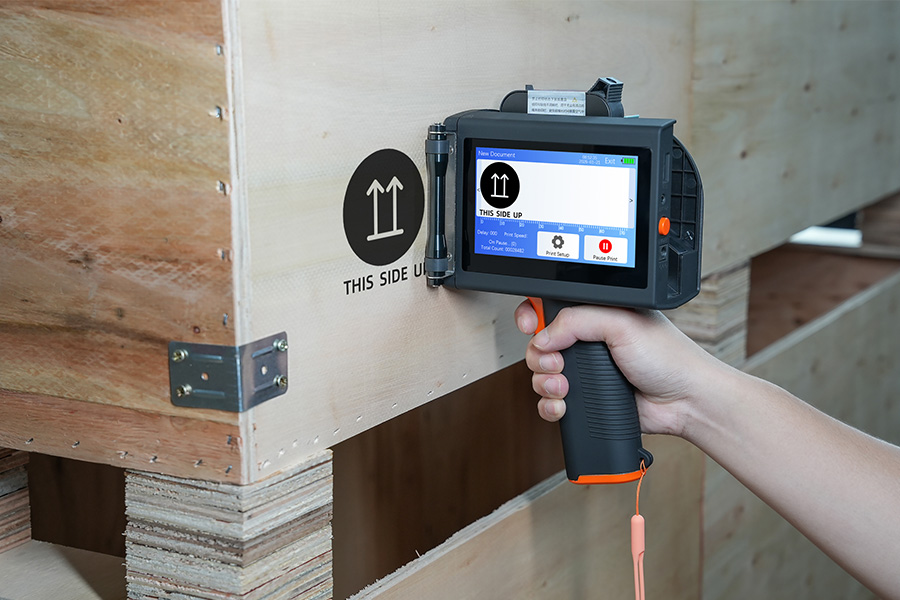
Handheld Inkjet Printer Warranty Questions Buyers Should Ask Before Ordering
Ask these handheld inkjet printer warranty questions to clar...
-
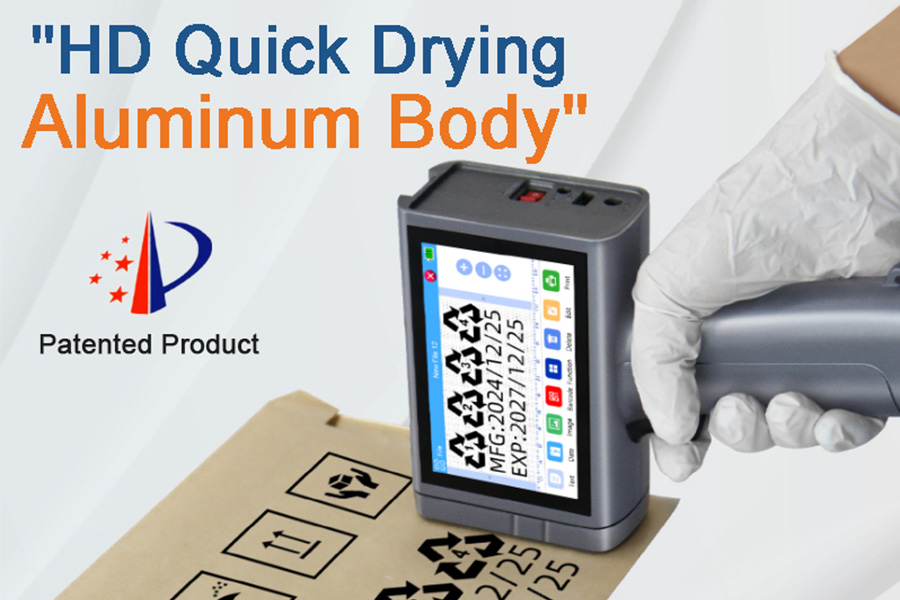
Handheld Inkjet Printer Order Checklist: Printer, Ink, Accessories, and Spare Parts
Use this purchase checklist to confirm the printer, ink, acc...
-
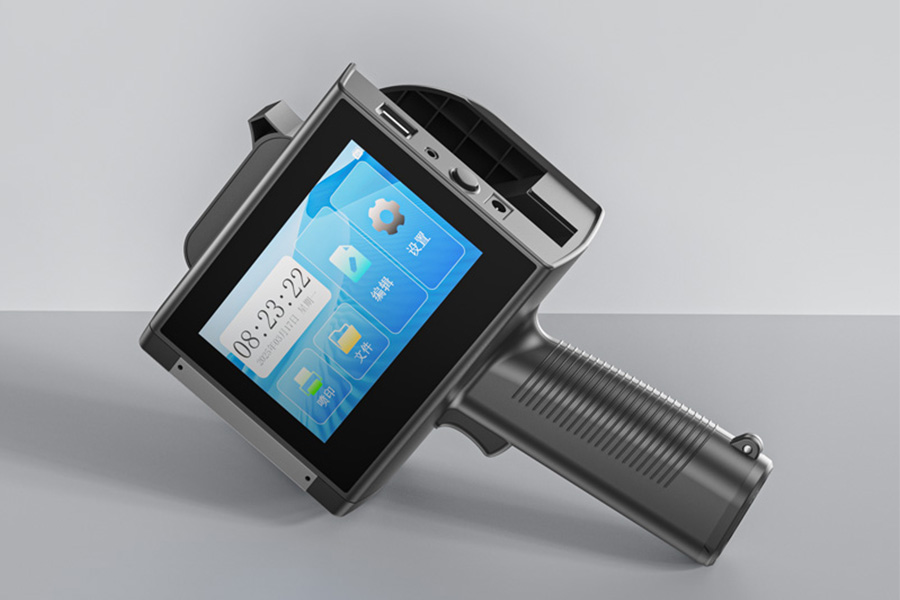
What Information Should You Send for an Accurate Handheld Inkjet Printer Quote?
Use this RFQ worksheet to send the material, message, print ...
-
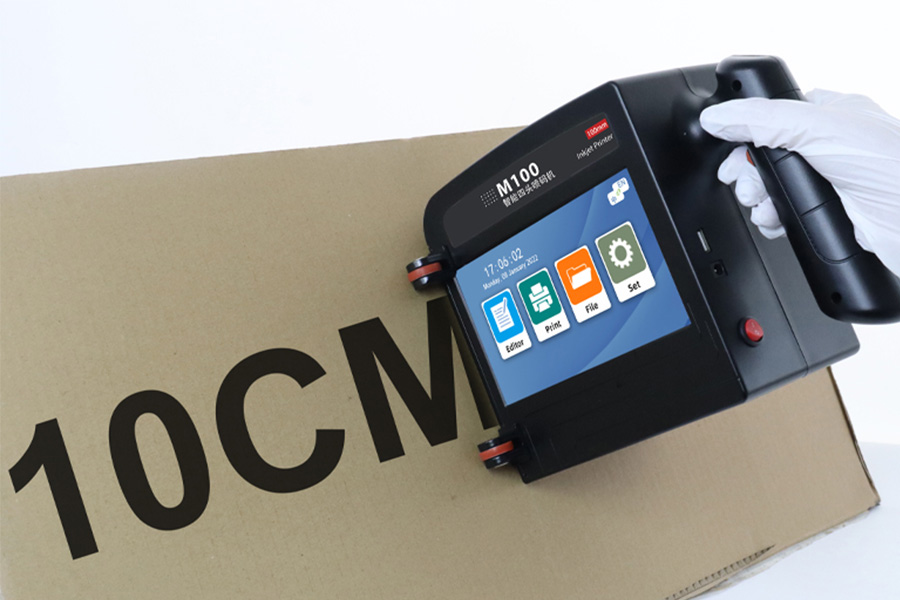
How to Print Scannable Barcodes and QR Codes on Plastic Packaging
Learn how to print scannable barcodes and QR codes on plasti...
Contact Us

Service phone number+8618759952301
—— Add WeChat communication


